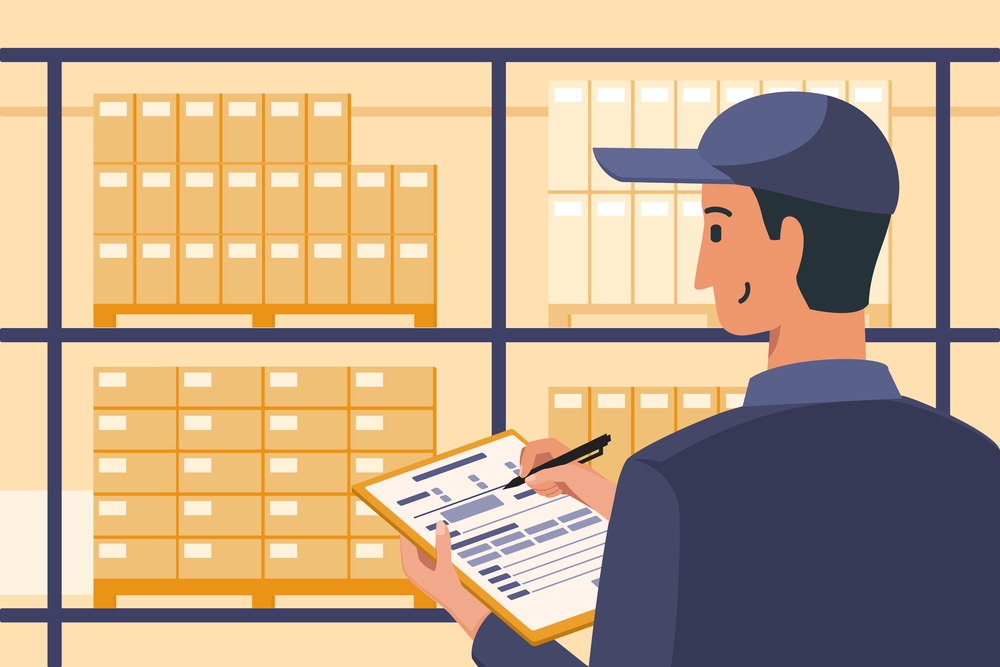
Are you considering starting an online business and wondering if it’s the right move for you? Website On Demand has your roadmap to success. From choosing products wisely to understanding your target audience, learn how to launch a Shopify store. Stay ahead of the game with our expert insights, including the power of pre-orders.
How To Launch a Shopify Store
Here are five key tips to better understand how to launch a Shopify store.
1. Decide Which Products To Sell
Are there goods you’re more familiar with than others? Maybe you’re interested in interior design and could sell lampshades. Perhaps you know which soil types different plants thrive in and could launch a gardening supply store. By building your Shopify store around a product you already know about, it’s easier to satisfy your target audience.
Alternatively, scope out trending products to sell in your online store. To stay ahead of the game, check out yearly product reviews from social media influencers.
2. Choose Your Target Shopper
We can’t overstate the importance of knowing your target audience when learning how to launch a Shopify store. Understanding which shoppers are most engaged with your products is key to attracting and keeping new customers and driving conversions.
Create a buyer persona that represents your target shopper. Think beyond typical demographics like age, education, income, and occupation. What are your target shopper’s interests? What pain points do they have that your product could resolve? Building an in-depth buyer persona helps with everything from website copy to marketing campaigns.
3. Study Your Competition
Much like a certain star-studded coffee chain seemingly appears on every street corner, online businesses have become widespread across the digital landscape. To differentiate your Shopify store from others selling products similar to yours, analyze your competition. Specifically, get an idea of their business model, target market, and most commonly used social media channels.
Not only does studying the competition help you understand how popular your target market is, but it can also help you avoid unnecessary blunders, like investing in Facebook ads when your target audience primarily uses Instagram. Additionally, analyzing other Shopify stores like yours can make you more aware of customer preferences, further refining your buyer persona.
4. Make Your Store Look Professional
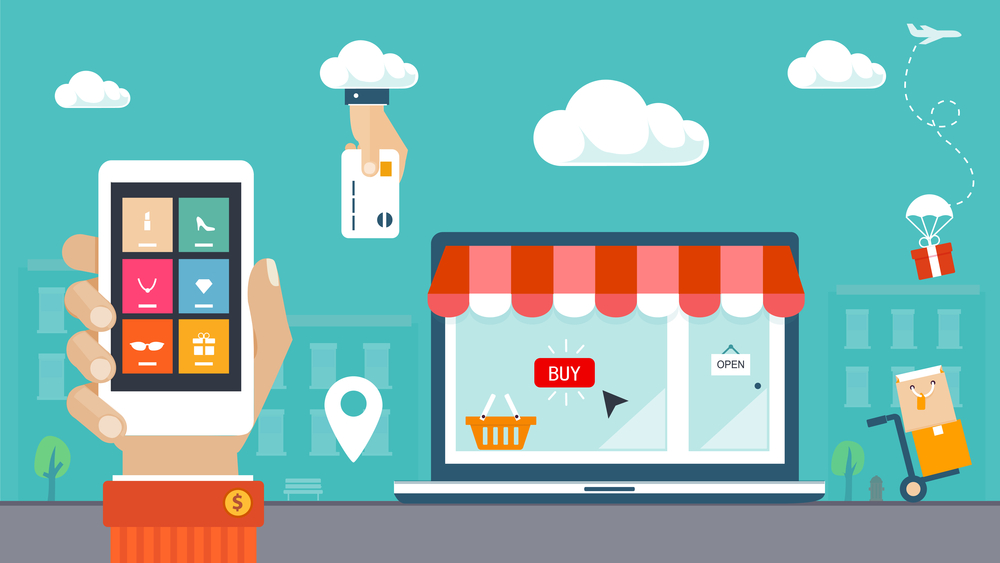
Although Shopify handles most of the grunt work for building an e-commerce store, it’s essential to take action to ensure your site looks professional. For instance, decide how to brand your store, from the font and logo design to colors and product photos.
Another important aspect of understanding how to launch a Shopify store that inspires confidence is displaying security credentials like SSL certificates. Let visitors know that when they buy from you, their financial information is secure.
5. Offer Pre-Orders To Get Ahead in Sales
One proven way to excite shoppers about your products is to offer pre-orders. Before filling your digital shelves with brand-new goods, let your most loyal shoppers be among the first to add them to their carts.
Another benefit of pre-orders is to help you gauge customer interest and product demand. It’s a low-risk way to test the market and ensure there’s a genuine desire for what you’re offering. Plus, securing pre-orders equals upfront revenue.
Discover More Tips on How To Launch a Shopify Store With Website On Demand
Learning the fundamentals of how to launch a Shopify store is just the initial step of your entrepreneurial journey. For more tips on growing your online shop and boosting conversions and sales, contact the pros at Website On Demand.